

This is a follow-up to my first Amazon Ad Campaign for your Kindle ebook post.
I used Automatic Targeting on the first Amazon Ad Campaign and the result was a flop. Of course, it may be the cover of the book or the book itself that’s to blame, not the Ad Campaign!
I spent £5.89, got 3,592 impressions, 7 clicks, and no sales.
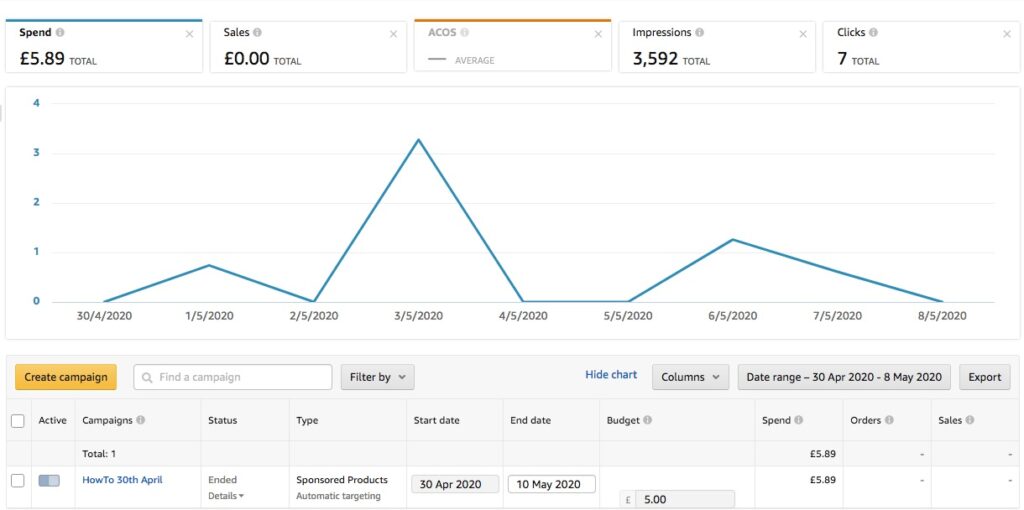
I did get some pages read on Kindle Unlimited/Kindle Owners Lending Library on 5th & 6th May, so I’ll be paid a small amount for that.
Create a new Amazon Ad Campaign
I’m going to set up a second Amazon Ad Campaign, this time using Manual Targeting.
Once again, I start by clicking ‘Create Campaign’ and choosing Sponsored Products (my only option on Amazon.co.uk).
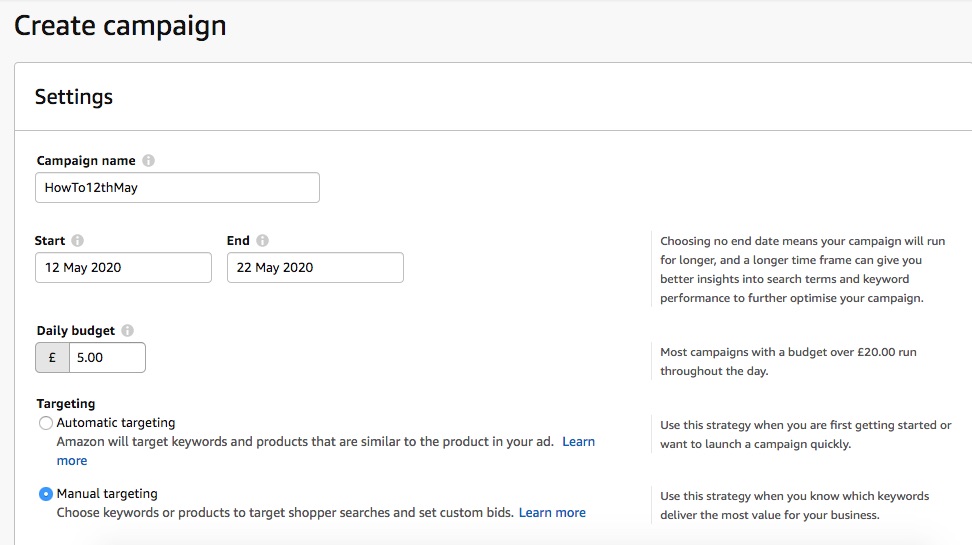
I’m calling my Ad Campaign HowTo12thMay and running it from 12th to 22nd May 2020. As before, my daily budget is £5.
Choosing keywords for Manual Targeting
Now my challenge is to choose keywords for my Amazon Ad Campaign.
The Amazon Advertising Help page for Automatic and Manual Targeting explains that with Automatic Targeting, Amazon chooses the keyword and product matches, with ‘multiple default strategies’ whatever that means.
Manual Targeting is for more advanced advertisers who have targeting experience. That isn’t me, but I’ll try it anyway. Apparently I can choose categories, products, brands or features related to my product.
I decide I need more guidance than is provided by the Amazon Advertising Help page, and via Google I find a Kindlepreneur article that seems to be just on topic. These are the main points I take from it:
- you should come up with 200-300 keywords
- use a wide range of descriptive phrases – the best ones might be those you never thought were really relevant to your book
- you can and should use other book titles and author names in keywords
- search the Kindle Store in incognito mode to find keywords – from Amazon’s auto-complete suggestions and its top-selling books in your categories
I follow these steps as best I can.
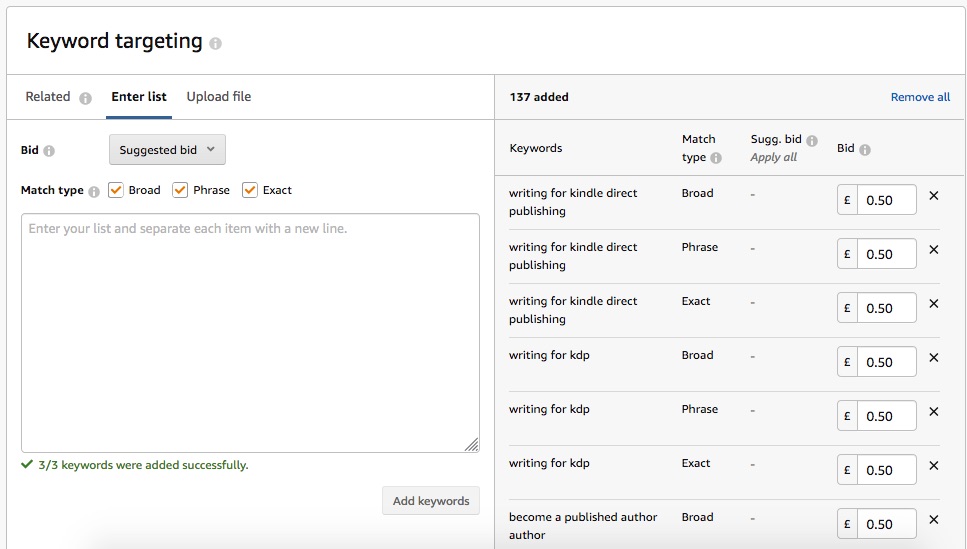
I’d got to 137 keywords and phrases when I took the screenshot above, then boosted that to 152. I know it’s not 200-300, but it is a time-consuming process so that will have to be enough.
I’ve now launched the Amazon Ad Campaign and I’ll let you know how I get on in post 3 on this topic.
Pingback:Set up an Amazon Ad Campaign for your Kindle ebook – 3 – How to Write a Kindle Ebook